At a glance
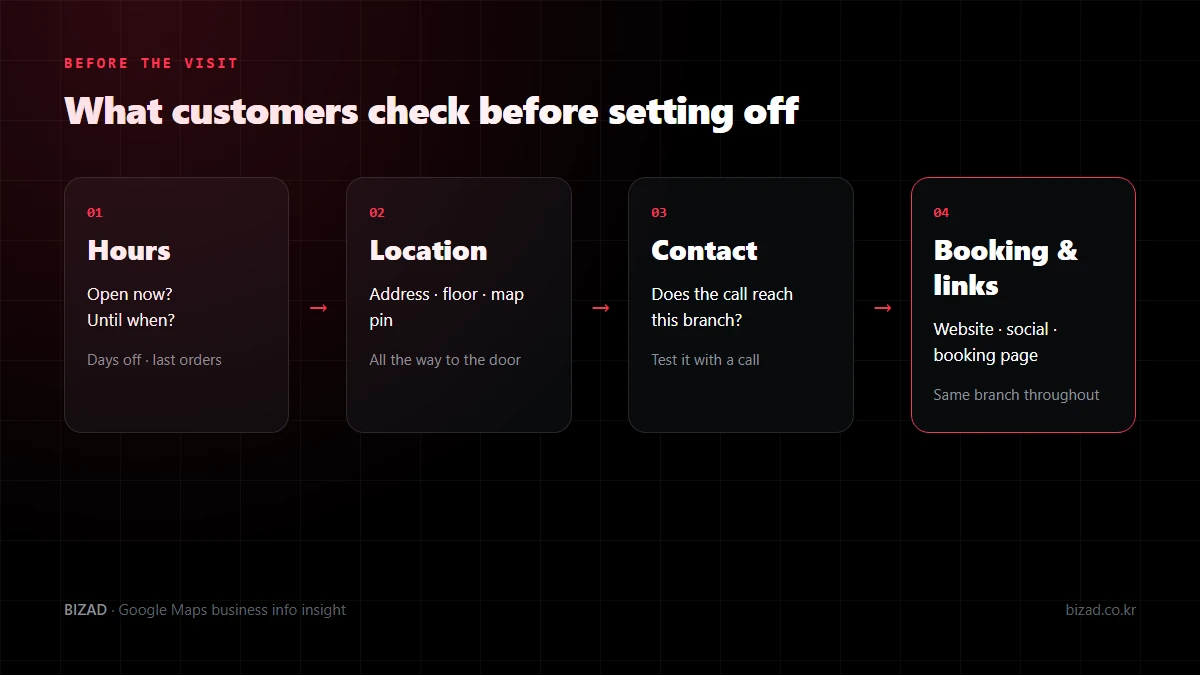
Your hours, address, phone number and links are what customers use to decide whether they can go now, where to go, and how to contact or book you. Google also says that accurate, complete information helps customers find and understand your business.
This information is never a one-off entry. Update it whenever things change, such as closures, moves or a new phone number, and after saving, check the customer view along with your website and booking pages.
What should my Google Maps opening hours be based on?
Base them on the hours customers can actually use your business. Time staff spend setting up or cleaning may differ from the hours customers can visit.
- Check opening and closing times for each day separately. If weekdays and weekends differ, don’t apply the same hours to every day.
- Enter your regular closed days as well.
- When someone else enters the hours, give them the hours you serve customers rather than the staff rota.
Wrong hours can mean customers turn away from a locked door. Foreign visitors on a trip may not have time to come back, so it is worth being especially accurate.
How do I show a mid-day break and last orders?
If you close between lunch and dinner, check whether you can enter the day’s hours as two separate periods. The time your doors are open and the time you take orders or bookings are not always the same.
Restaurants should note last orders, and beauty businesses the last bookable time for each service. Check which fields the dashboard offers, and use the same rule on your menu and booking pages.
Even when the map says you are open, make sure customers don’t assume they can get any service straight away. Also check that what staff say on the phone matches what you publish online.
How do I set public holidays or a single day off?
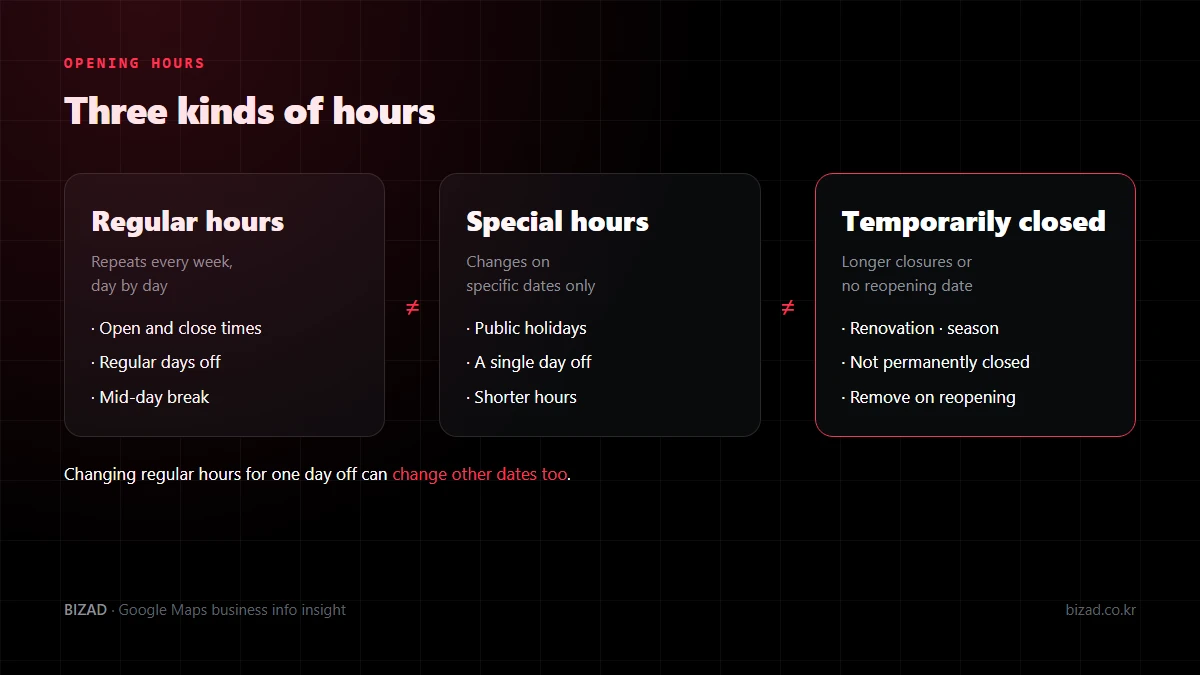
Use special hours to set just that date. Changing your regular hours wholesale can change what customers see for other dates too.
Setting holiday periods date by date, rather than as one block, makes it easier to separate days you close from days you open for shorter hours. If you open as usual on a public holiday, confirming that too saves customers from calling to ask.
With several branches, distinguish closures that apply to every branch from those at one branch only. Mention the branch name and date so it doesn’t look as if the whole brand is closed when only one branch is.
What should I show if I’m closing for a long time?
If you plan to reopen, it is best to mark the business as temporarily closed. Google suggests special hours for short closures, and the temporarily closed status for longer closures or ones without a set reopening date.
- Don’t confuse it with permanently closed. If a business that will reopen is marked closed, customers will assume it has shut for good.
- If no reopening date is set, tell customers where to look for the next update rather than guessing a date.
- Align your booking page on whether you take bookings during the closure or only for dates after reopening.
- Prepare separate messages for customers who have already booked, rather than relying on the map status.
When you reopen, remove the temporarily closed status and check whether your hours, menu or booking method have changed. Also make sure no closure notices are left on your website or social media.
My address is right, but the map location is wrong. What should I do?
Check the address and the map pin separately. Even with the correct street address, customers can get lost nearby if the pin points to the building next door or the floor and unit are missing.
- Make sure details such as floor and unit number aren’t missing from the address.
- Move the map pin to your real location. Don’t move it elsewhere to look as if you are on a busier spot.
- If several branches share a name, confirm with the map link that you are editing the right profile.
- If you have moved, check that your old address isn’t left on your website or booking pages.
If you are tucked inside a building or down an alley, look out for repeated questions like “Is it the next building?” or “Which floor?”. If you hear them, photos of the exterior and the actual entrance can fill the gap.
If the address and pin are right but directions still go the wrong way, that is a separate routing error to report. Fixing the pin doesn’t automatically change every route.
What should I check about my phone number on Google Maps?
Check not only that the number is written correctly but that it actually reaches that branch. A number that is shown but doesn’t connect, or goes to a different branch, means lost enquiries.
- Confirm it is the number that branch uses now, and that no old number or head-office number is left.
- Make a test call at a time someone is ready to answer. If there is an automated greeting, check it matches the current name and situation.
- If phone hours differ from opening hours, note this on your website or booking page.
- Decide how staff will handle calls in foreign languages.
If you change the number, also update it on your website, booking page, social media bios and in-store materials. Wherever customers start, they should reach the same business.
I edited my information. Why hasn’t it changed yet?
Because Google reviews edits. How long that takes varies, and the fact that another business’s change appeared quickly doesn’t mean yours will on the same timeline.
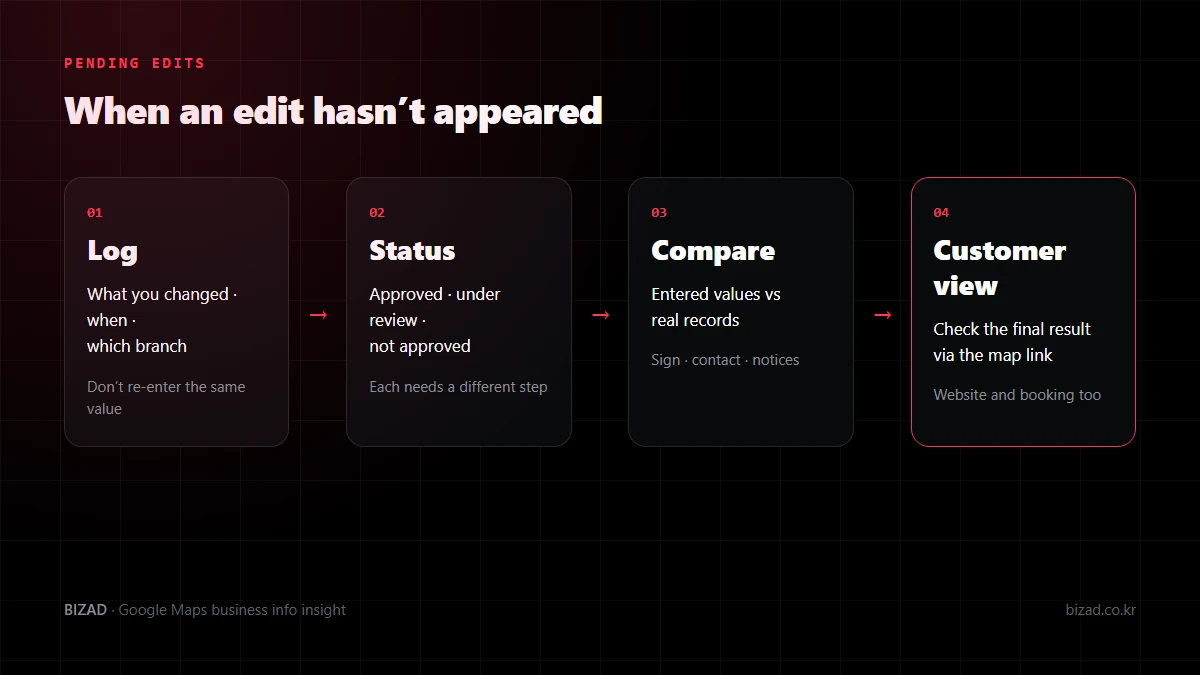
In the dashboard, check whether each edit has been approved, is under review, or was not approved. Changing the same value repeatedly without checking its status makes it hard to tell what didn’t go through.
Google says it can update business information based on several sources, including suggestions from users. If you see a notice about changes, check for anything that doesn’t match your real operations, and tidy up old addresses or numbers on other websites as well.
Where should my Google Maps website link go?
Link to the official page that represents that business. With several branches, the best page is one where customers can immediately see the chosen branch’s address and phone number.
- Check that your name, main services, location and how to get in touch can be found on the first screen.
- Open it on a phone and look for tiny text, overlapping buttons or pop-ups that cover the page.
- Check it as an ordinary visitor, signed out of your admin account.
- Tap the call or enquiry button and follow it through to the point where an enquiry is received.
- If you have foreign-language pages, check their hours and booking conditions match the Korean page.
It is best not to enter an address that passes through several ad pages or lands on an unrelated site as your business website. If you changed domain or redesigned the site, also find and update materials that still use the old link.
Can I link Instagram or other social media to Google Maps?
Yes, if your profile shows a social media field. This field may not be offered for every region or profile, so check your own profile’s edit screen first rather than going by what another business shows.
- Link the business’s official account. Don’t link a staff member’s personal account.
- Enter the account’s profile address instead of the address of a single post.
- If Google shows a social link automatically, check that it really is your official account.
- Check pinned posts and bios for past events or old closure notices.
We don’t recommend squeezing account names into your business name or address because there is no social field. Linking social media doesn’t guarantee more bookings or sales, so judge it by whether customers can find what they need and get in touch.
What should I check about my Google Maps booking link?
First check that the branch on the booking screen is the one customers saw on the map. Google says that for businesses with several locations, action links such as booking or ordering should lead to a page for that specific location.
- 01Branch — compare the name and address so customers who tapped branch A don’t find branch B pre-selected.
- 02Phone — check whether sign-in or an app install is required, and which fields are mandatory.
- 03Foreign visitors — check, for each booking service, whether there is language support and whether an overseas phone number can complete verification.
- 04Conditions — make party size, times, and how to change or cancel visible before booking.
- 05Confirmation — if requests and confirmations are separate steps, make sure customers don’t mistake the request screen for a confirmed booking.
Your profile may also show booking links from third-party services automatically. If you see a link you don’t remember adding, check which provider it comes from and whether you still use that service. When testing, use the booking service’s own test method so no real bookings are created.
Hours, address and links checklist
Start with the information customers check before they set off.
- My hours for each day reflect when I actually serve customers.
- I show my mid-day break and last orders or last booking time.
- Public holidays and single days off are set as special hours.
- Long closures are marked temporarily closed, and I remove it when I reopen.
- My address includes floor and unit, and the map pin points to my real location.
- I made a test call and it reached the right branch.
- I record what I edited and when, and check its status.
- My website link opens the official page for this branch.
- My social links go to the business’s official account profiles.
- My booking link goes to the same branch, and I have tried it through to the end on a phone.
- Hours, address and number on my website, booking pages and social media match my profile.
In closing
Your hours, address, phone number and links shape what happens after customers find you: whether they actually arrive and get in touch. The job isn’t done when you finish typing; it is done when the customer view shows exactly what you intended.
Pick your next day off and compare the map, your website and your booking page. Then tap directions, call, website and booking in turn on a phone, and you will quickly spot where customers get stuck.
We’ll start by checking that your hours, location, contact details and booking links show up correctly for customers.
Free audit